Use one source, always
Bookmark this page. Every build you install should come from the same named source with a published partner and visible terms — never from a search-result mirror or a forwarded file.

Verified build · Android
One link, kept current. Tap the button, approve one Android permission, and you are inside the games hall in about three minutes. No mirrors, no repacked builds, no bundled extras.
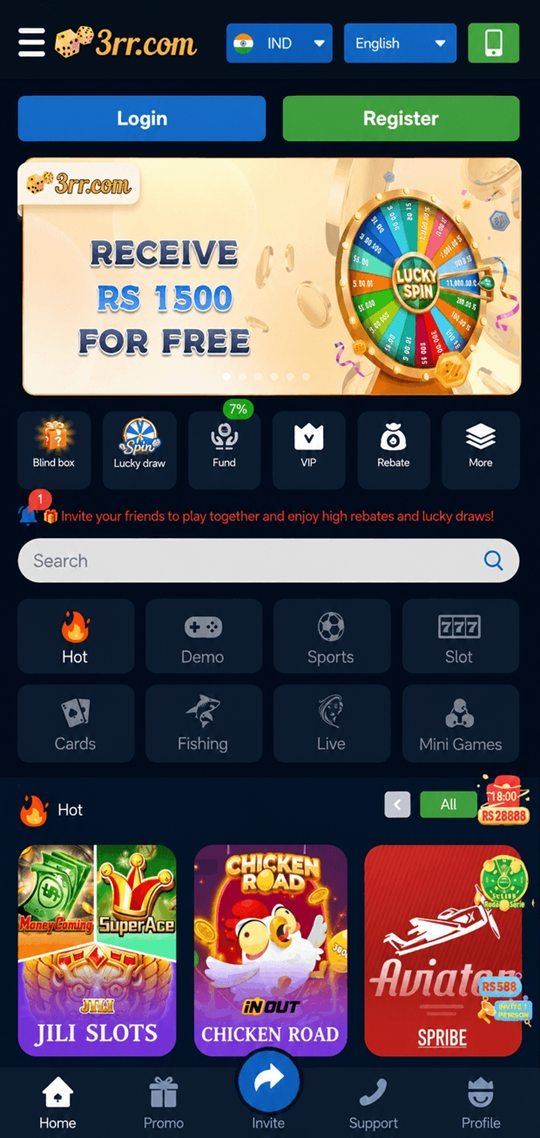
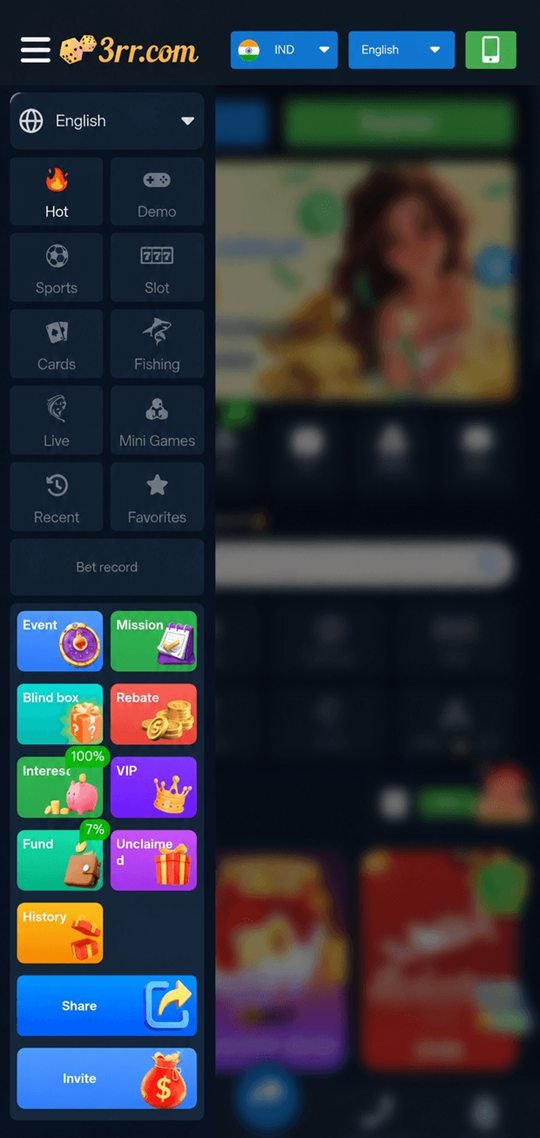
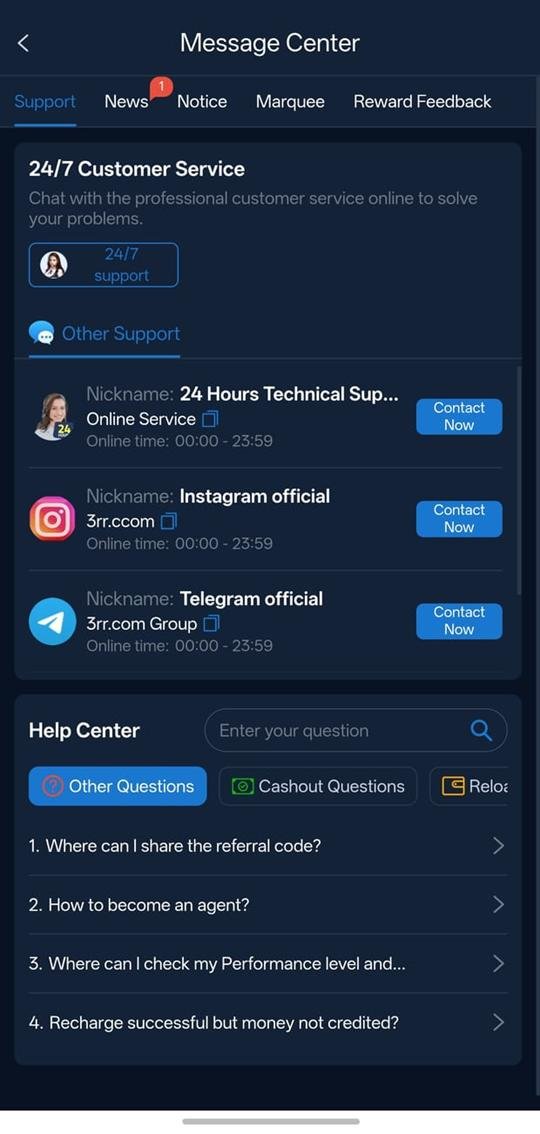
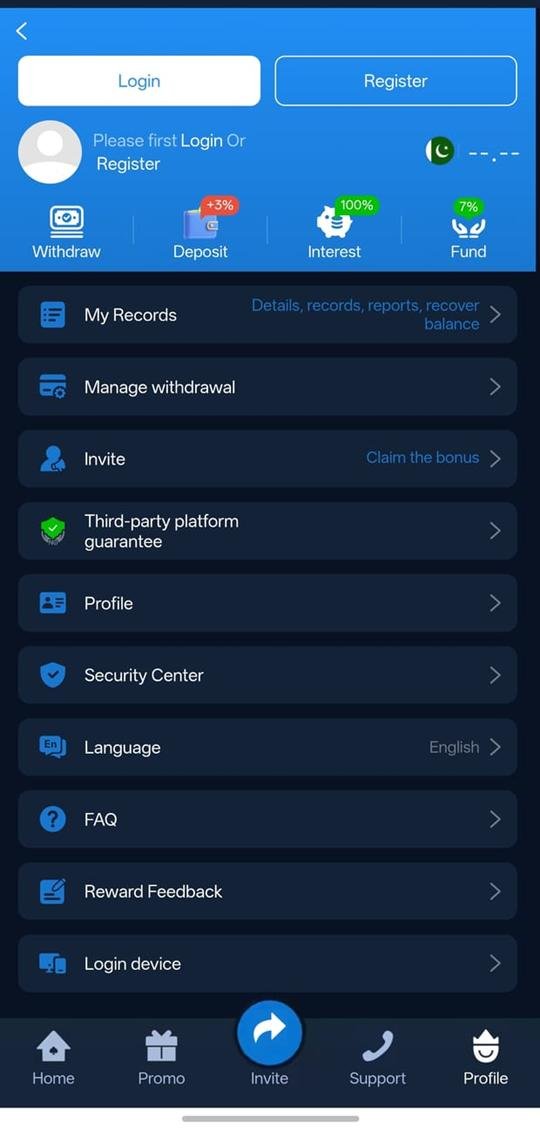
Install and claim
Welcome package · new accounts only · 18+
The package is issued by the licensed gaming partner once your account is registered. Qualifying deposit, wagering multiple and expiry are printed on the promotion card in the app — read them before opting in.
The install relay
Each step passes the baton to the next. Nothing here needs a computer — the whole run happens on your phone.
Any Download Now button on this site opens the current verified apk. Your browser will ask you to confirm the download — accept it and let the file finish.
Tip: stay on Wi-Fi if your connection is patchy.
Android blocks installs from outside the Play Store until you approve them. When the prompt appears, tap Settings, enable Allow from this source for your browser, then come back.
On older phones this is called Unknown sources.
Open the downloaded file and tap Install. Launch the app, register with your mobile number, and confirm the OTP the platform sends you.
Use a number you control — it is your account recovery route.
Open Promo on the bottom bar, read the welcome package terms, and opt in if they suit you. Then pick your first table from the lineup.
Set a deposit limit in the profile menu on day one.
Before you install
Nothing exotic — the 3rr app is built to run on the mid-range Android phones most players in India actually carry. Here is what it needs and why.
| Platform | Android (apk install) |
|---|---|
| Minimum OS | Android 6.0 Marshmallow or newer |
| Recommended | Android 9.0 or newer for the smoothest live tables |
| Free storage | Roughly 150–250 MB after install, more as game packs cache |
| Memory | 2 GB RAM works; 4 GB is comfortable for live streams |
| Connection | Any stable 4G, 5G or Wi-Fi link. Live tables prefer Wi-Fi. |
| iPhone / iPad | Browser access instead of an apk — see below |
Exact file size varies between builds. The figure shown by your browser during the download is the accurate one for the build you are getting.
If a build ever asks for contacts, SMS or call logs, do not install it and tell us in the Telegram support group — that is not something this app needs.
Safety
The category has a genuine problem with repackaged builds. These five habits remove most of the risk, and they apply to any app you install this way — not just this one.
Bookmark this page. Every build you install should come from the same named source with a published partner and visible terms — never from a search-result mirror or a forwarded file.
Once the app is installed, go back into Android settings and turn Allow from this source off again. It costs you ten seconds and closes the door behind you.
No member of staff, on any channel, will ever ask for your one-time password, your account password or your full card details. Anyone who does is not staff.
The app has a Security Centre and a Login device list in the profile menu. Open both on day one so you know what a normal session list looks like.
Deposit limits and session reminders exist in the app. Setting them takes a minute and is far easier to do calmly, before the first session, than during one.
If a screen, message or link looks off, stop and ask in the support group before you tap it. A two-minute check beats a lost account.
Staying current
The operator ships new builds periodically — usually to add titles to the lineup, refresh the promotions hall, or fix something reported by players. When that happens, this page is updated with the new file and the news & promos channel posts a note.
Updating is the same process as installing: download the current file and install it over the existing app. You do not need to uninstall first, and you will not lose anything — your account, balance and history live on the operator’s servers, not on your handset. Signing back in restores everything.
If you ever see a version of the app prompting you to update from a link you did not initiate, ignore it and come back here instead. In-app update prompts from an unofficial build are a known trick.
Apple devices
There is no apk on iOS — Apple does not permit installs outside the App Store, so the route is different. Open the same download link in Safari on your iPhone and the platform loads in the browser with the full games hall available.
To make it feel like an installed app, tap the Share icon in Safari, choose Add to Home Screen, and confirm. You get an icon on your home screen that opens the platform full-screen, without the browser chrome. Log in once and the session persists the same way it would in an app.
Everything else — deposits, withdrawals, promotions, support — works identically. The only difference is how the shortcut gets onto your device.
Troubleshooting
The five issues that come up most often in the support group, with the fix that usually works.
Account and money questions go to the operator. 3RR Game can help with install problems and general guidance, but we have no access to your account, balance, transactions or verification status. Use the 24/7 service desk inside the app for anything involving funds.
The support group is the fastest route. Tell us your phone model, Android version and which step you are on, and someone will walk you through it.